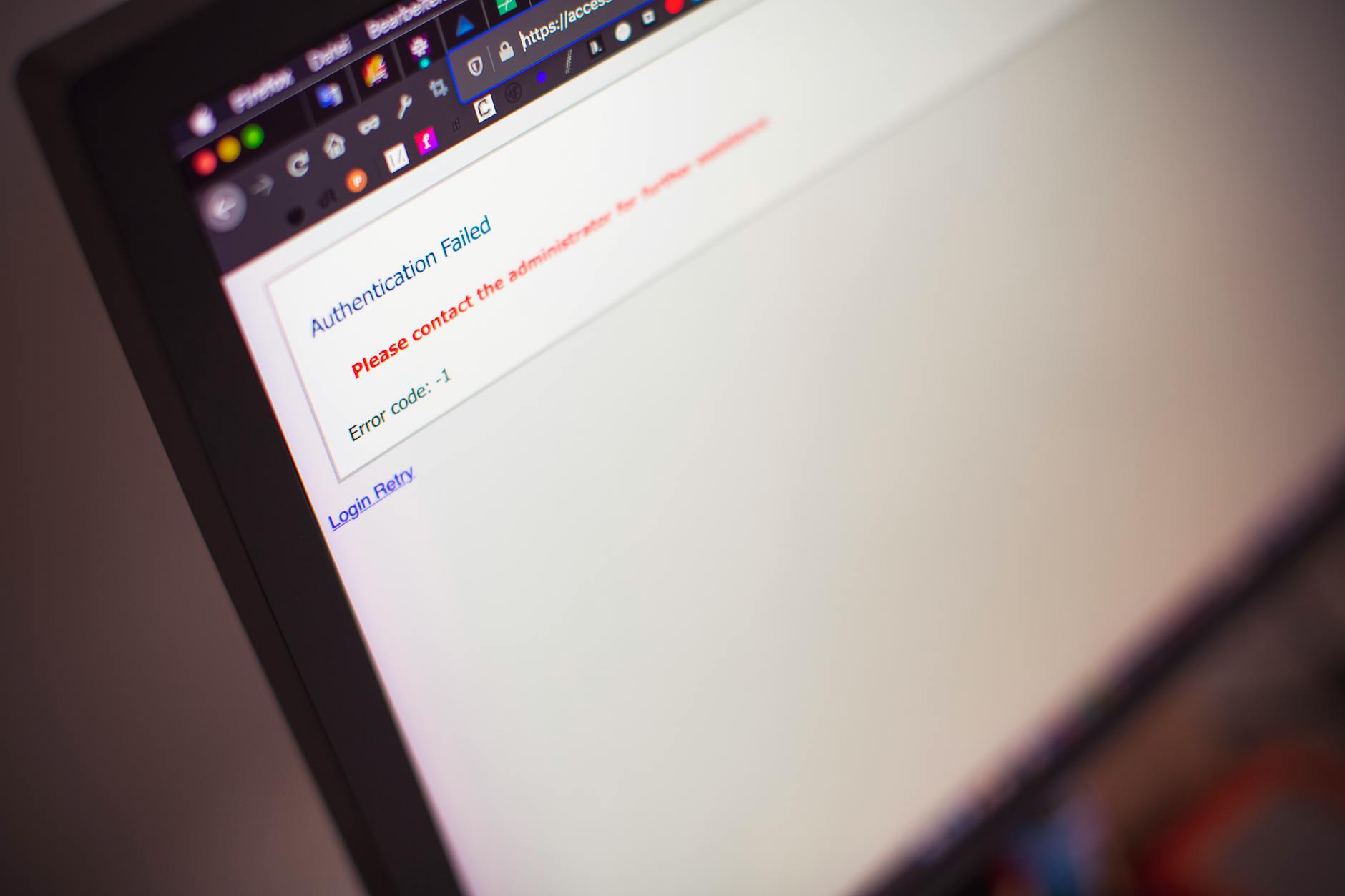
Forgot Password Guide: Designing Recovery Flows That Are Secure and Human
Password recovery is the moment users are most frustrated and most vulnerable. Here is how to design flows that are both safe and humane.
The forgot-password flow is one of the most-used and least-loved screens in modern software. It is also one of the most consequential: it sits at the intersection of security, customer support cost, and user trust. Get it right, and users barely notice. Get it wrong, and you simultaneously create a security risk and lose customers who never come back.
Why This Flow Deserves Serious Attention
Studies consistently show that a meaningful percentage of churn happens at the login screen. Users forget passwords, hit a recovery flow that frustrates them, and decide it is not worth the effort. Meanwhile, attackers actively probe these flows, looking for ways to take over accounts. The flow has to satisfy both audiences at once.
The Core Principles
- Confirm identity, not just email access. Email is necessary but not always sufficient.
- Be honest about state. Avoid revealing whether an email exists in your system, but do not lie either.
- Minimize the time users spend out of context. Every extra screen is a chance to give up.
- Lean toward modern alternatives. Passkeys, magic links, and authenticator apps reduce reliance on passwords entirely.
The Anatomy of a Modern Flow
1. The Trigger Screen
The "Forgot password?" link should be prominent on the login form, not buried. Once clicked, the user enters their email and receives clear, neutral feedback: "If an account exists, we'll send a reset link."
2. The Email
The reset email should be short, branded, and arrive within seconds. It should clearly state who sent it, what to do, and how long the link is valid. Best practice is a window of 15–60 minutes.
3. The Reset Page
The page should require the user to set a new password with clear strength feedback, and offer the option to enable additional security like 2FA on the same screen. Power users appreciate the ability to log out other sessions in one click.
4. The Confirmation
After reset, a confirmation email — sent regardless of where the change originated — gives users a chance to detect unauthorized changes.
Security Best Practices
- Use cryptographically strong, single-use tokens.
- Rate-limit reset requests by IP and account.
- Invalidate active sessions when a password changes (with user opt-out).
- Log all reset attempts with sufficient context for forensics.
- Send notification emails for both reset requests and successful changes.
The UX Details That Matter
Small details compound. Auto-focusing the email field saves a click. Pre-filling the email if the user came from the login screen saves frustration. Letting users paste passwords (yes, really) supports password managers. Showing real-time strength feedback prevents the dreaded "your password is weak" message after submit.
Beyond Passwords
The most forward-looking products are reducing password use altogether. Passkeys, based on WebAuthn, allow users to authenticate with a device biometric and eliminate the recovery problem for the majority of cases. Magic links can replace passwords entirely for low-risk applications. The forgot-password flow does not need to be improved if it is gradually replaced.
Accessibility
Recovery flows must be fully accessible: keyboard navigable, screen-reader friendly, and tolerant of users with cognitive load. Time-limited links should give users a way to request a new one without restarting from scratch.
Internationalization
Email arrival times, SMS deliverability, and language all change globally. A flow that works perfectly in one country can fail silently in another. Test recovery from at least three regions before declaring it production-ready.
Common Mistakes
- Revealing whether an email exists in the system.
- Using security questions with guessable answers.
- Sending the new password in plain text via email.
- Letting reset links live for days instead of minutes.
- Forgetting to invalidate the link after use.
Measuring Success
Good metrics include reset completion rate, time from request to success, and rate of follow-up support tickets. Many teams discover that small UX changes — clearer copy, faster emails, fewer steps — recover meaningful revenue.
Final Thoughts
The forgot-password flow may feel unglamorous, but it is one of the highest-leverage screens in any product. Treating it as a serious surface — secure, fast, humane — pays dividends in retention and trust. And in a world increasingly moving beyond passwords, designing recovery flows well today is also preparation for replacing them tomorrow.
Published on April 8, 2026 · Filed under Security & UX